Part 2 left me with a generic Docker host: an Ubuntu VM with a static IP, a working guest agent, and nothing on it that knew anything about this site. This post is where the actual application starts, from an empty directory up to a CV page rendering through a container.
As before, I had AI assistance throughout. This is also the post where it confidently handed me code that did not work, and I got to do the debugging. More on that below.
Scaffolding the project
I started with a flat, boring layout. No cleverness, just somewhere for each kind of thing to live.
site/
├── docker-compose.yml
├── app/
│   ├── Dockerfile
│   ├── main.py          # the FastAPI app
│   └── posts/           # blog posts, later
├── templates/           # Jinja2 HTML
└── static/              # CSS, images, fonts
The split that matters here is app/ (Python) versus templates/ and static/ (everything the browser eventually sees). Keeping templates and static assets out of the Python package makes the container volume mounts cleaner, which becomes relevant in about thirty seconds.
Containerizing from the start
I did not want to install Python and a pile of packages directly on the VM. The whole reason for the VM was to keep things tidy, and running the app in a container keeps it tidier still. So the very first thing that ran was already containerized.
The Dockerfile is about as plain as it gets:
FROM python:3.12-slim

WORKDIR /app

COPY requirements.txt .
RUN pip install --no-cache-dir -r requirements.txt

COPY . .

CMD ["uvicorn", "main:app", "--host", "0.0.0.0", "--port", "8000", "--reload"]
That last line runs the app with Uvicorn, the ASGI server that actually listens on a port and hands requests to FastAPI. The --reload flag tells it to watch for file changes and restart automatically, which matters for the next bit.
The docker-compose.yml ties it together and, crucially, mounts my source directories into the container:
services:
  web:
    build: ./app
    container_name: site
    restart: unless-stopped
    ports:
      - "8000:8000"
    volumes:
      - ./app:/app
      - ./templates:/templates
      - ./static:/static
Those volume mounts plus --reload are the development trick: my code on the VM is mounted live into the running container, so when I edit a template or a route, Uvicorn notices and reloads. No rebuild, just save and refresh. The only time I need to rebuild is when I add a Python dependency, since those get baked in at image build time.
The starting requirements.txt was short:
fastapi
uvicorn[standard]
jinja2
python-multipart
aiofiles
mistune
Hello, world
The first main.py did almost nothing. Spin up the app, mount the static directory, point Jinja2 at the templates, and serve one route.
from fastapi import FastAPI, Request
from fastapi.templating import Jinja2Templates
from fastapi.staticfiles import StaticFiles

app = FastAPI()

app.mount("/static", StaticFiles(directory="/static"), name="static")
templates = Jinja2Templates(directory="/templates")

@app.get("/")
async def index(request: Request):
    return templates.TemplateResponse("index.html", {"request": request})
A route in FastAPI is just a function with a decorator saying which URL triggers it. @app.get("/") means "when someone requests the root, run this." The function renders a template and returns the result.
Build and bring it up:
docker compose up --build
Uvicorn started cleanly, which is always a good sign:
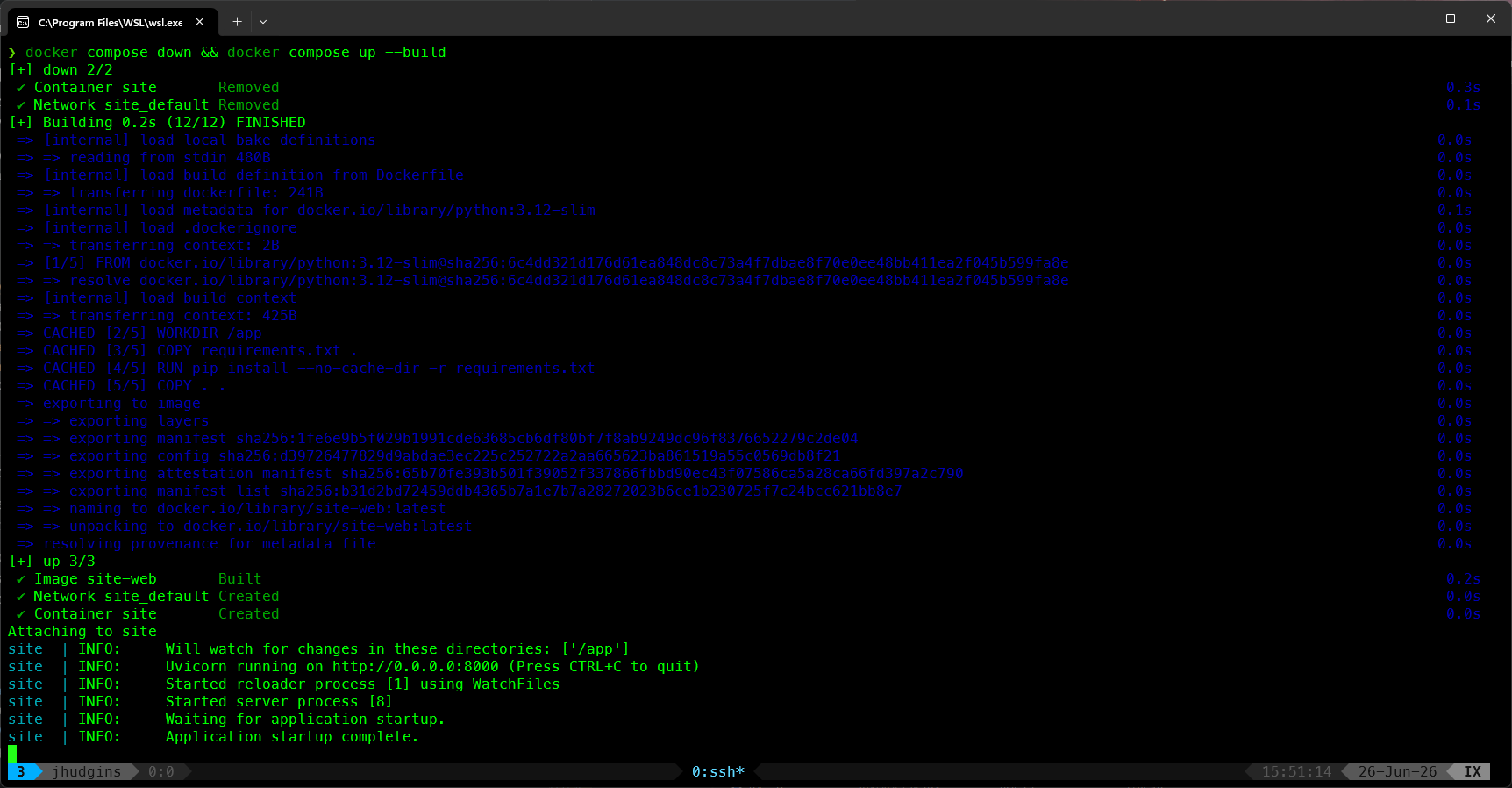
Then I opened the page in a browser, and it was not so good.
The first real bug
The request came back as a 500 Internal Server Error, and the logs had a traceback ending in something genuinely confusing:
TypeError: unhashable type: 'dict'
That is not an error that tells you much on its face. A dict is unhashable, sure, but I was not knowingly trying to hash one. The traceback pointed into Starlette's templating code, specifically the call where it looks up the template by name.
Here is what was going on. The TemplateResponse call I had been handed uses the older argument order:
templates.TemplateResponse("index.html", {"request": request})
Newer versions of Starlette, which FastAPI sits on top of, changed that signature. The request object now comes first, as its own argument, rather than living inside the context dictionary:
templates.TemplateResponse(request, "index.html")
With the old form, the newer library was trying to treat my context dict as the template name, which eventually led to it attempting to use a dict as a cache key. Hence "unhashable type: dict." The error was three layers removed from the actual mistake, which is exactly the kind of thing that eats half an hour.
This is also a fair illustration of where the AI help did and did not carry me. It produced the old call signature without hesitation, because that pattern is all over its training data. It did not know which Starlette version my container had pulled. Fixing it meant reading the traceback, recognizing that the failure was in the library's argument handling and not in my template, and matching the call to the version actually installed. The assistant was useful for explaining the why once I had the what, but the what was mine to find.
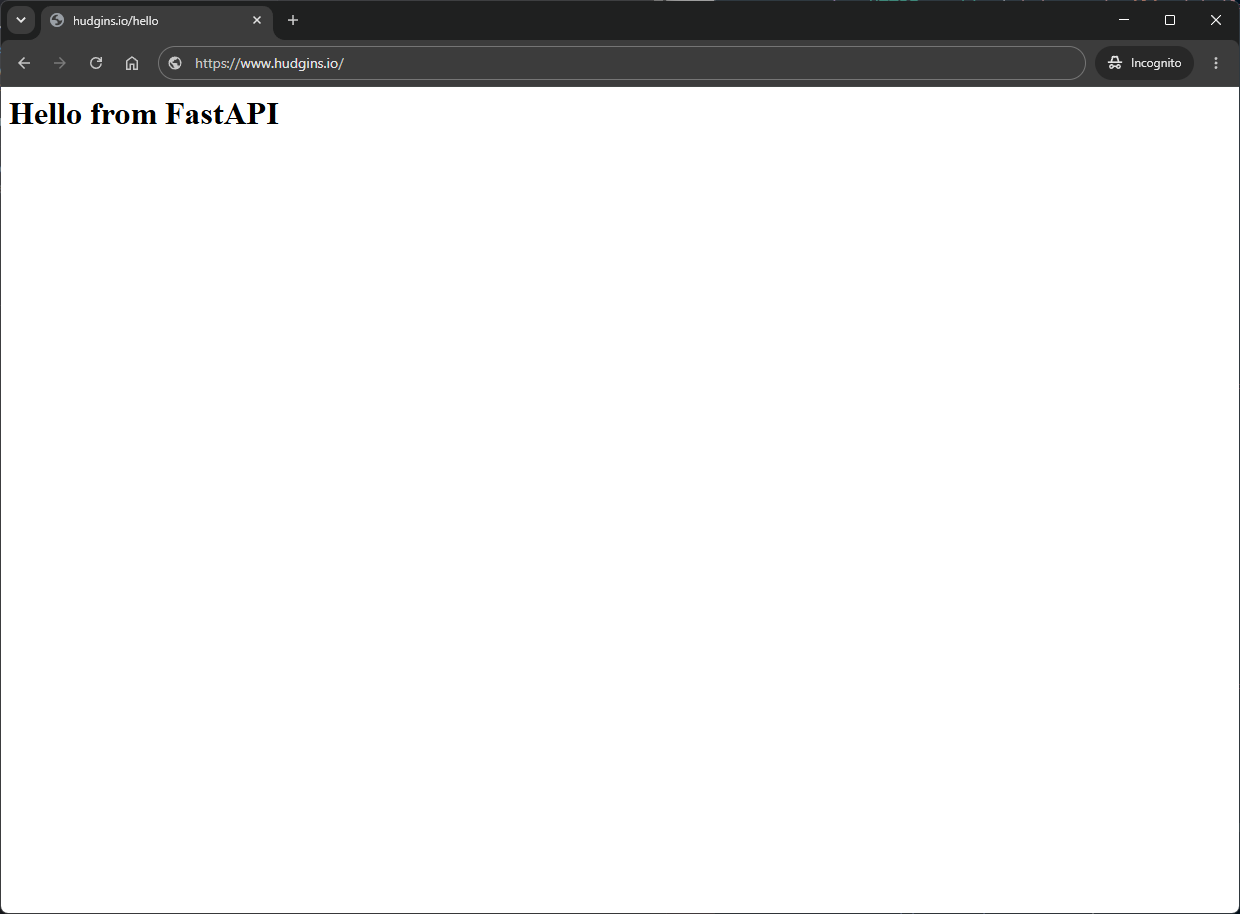
One small edit later, the page rendered:
Building the CV page
With rendering working, the CV page was the first thing worth actually building, since it is the part of the site with a real job to do.
The look I wanted was a dark, terminal-adjacent theme. Rather than scatter color values through the stylesheet, I defined them once as CSS variables and referenced them everywhere:
:root {
    --bg-primary: #0d1117;
    --bg-card: #1c2128;
    --accent: #00bcd4;
    --text-primary: #e6edf3;
    --text-secondary: #8b949e;
    --border: #30363d;
}
That one habit paid off constantly later. Every time I wanted to nudge the accent color or darken a background, it was a single edit instead of a find-and-replace across the whole file.
The CV content itself is Jinja2 templating: a base layout with the nav and shared structure, and the CV page extending it. Standard server-rendered stuff, nothing dynamic required.
But I did want one bit of interactivity. Each CV section (experience, skills, certifications, and so on) can collapse and expand when you click its header. This is the kind of thing people reach for a framework to do, and it absolutely does not need one. A handful of vanilla JavaScript does it:
document.querySelectorAll('.cv-section h2').forEach(header => {
    header.style.cursor = 'pointer';
    header.addEventListener('click', () => {
        header.parentElement.classList.toggle('collapsed');
    });
});
That toggles a collapsed class on the section, and the CSS animates the rest by transitioning max-height. (There is a gotcha there involving max-height clipping tall sections that I will probably write up on its own, because it confused me for longer than it should have.)
The last touch on the CV was embedding my Credly certification badges as clickable images linking back to the verification pages, with the cards laid out in a grid that keeps them aligned even when one certification has a longer title than the others. Small CSS, disproportionate satisfaction.
What's next
At this point the site has a real, styled, server-rendered CV page coming out of a container, with live reload making iteration quick. It is starting to look like a website instead of an experiment.
Part 4 is the blog engine: turning a folder of Markdown files into actual posts. That is where front matter, Markdown rendering, and a surprisingly annoying carriage-return bug all come in, the last of which produced invisible characters that broke my formatting in a way that took an embarrassingly long time to see. Good cliffhanger.
Hail Southern.